
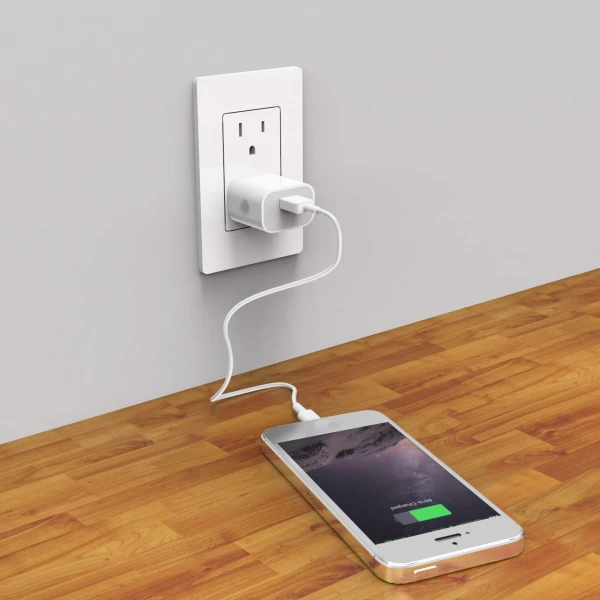
It is no secret that modern smartphones are equipped with built-in features to extend battery life. However, many users simply do not know about them or do not activate them, missing the chance to keep their battery in excellent condition for years.
We are used to charging our smartphones to the maximum, to the coveted 100%, believing that this will provide us with the longest usage time. But few know that for modern lithium-ion batteries, which are found in almost all iPhone and Android devices, such constant peak charging or, conversely, frequent discharging to 'zero' is extremely harmful.
This significantly accelerates their wear. Fortunately, gadget developers have already anticipated this problem and implemented special features that can noticeably extend the 'life' of the battery.
If you want your smartphone to serve you faithfully for more than two years, activating these settings is essential.
How to Optimize Charging on iPhone
For iPhone owners, the path to battery longevity lies through the 'Settings' menu. Go to the 'Battery' section, then select 'Charging.' Here you will find the option 'Optimized Battery Charging.'
This smart feature analyzes your daily charging routine and slows down the process after reaching 80% to fully charge the device just before you usually unplug it. It is especially effective if you charge your phone overnight.
In the latest versions of iOS, another useful feature has appeared: manually setting a charging limit, for example, to 85%. This significantly reduces stress on the battery and is a great way to extend its lifespan.
Optimizing Charging for Android Smartphones
Android users can also take advantage of similar features, although their names and locations may vary depending on the model and manufacturer. For example, on Samsung smartphones, you need to go to 'Settings' → 'Battery' → 'More battery settings' and activate the 'Protect battery' option.
This feature automatically limits charging to 85%, preventing the battery from staying in a fully charged state for too long. This is a great way to take care of the battery.
Google Pixel owners will appreciate the Adaptive Charging feature, which works on a principle similar to that of the iPhone. It analyzes your sleep pattern and only charges the battery to 100% by the time you wake up.
Other Android device manufacturers also offer their versions of these useful features, often referred to as 'optimized charging' or 'battery protection,' so it’s worth looking for them in your device's settings.
Experts agree: the main reason for rapid battery wear lies not in the improper use of the phone as a whole, but in the harmful habit of constantly maintaining a 100% charge. Activating the built-in charging limit features is the easiest and most effective way to ensure your battery's longevity.
Earlier, specialists had already warned about the dangers of overnight charging with power banks, which can pose risks not only to the device itself but also to user safety. Remember: taking care of your battery starts with a conscious approach to charging.














Leave a comment